Return to a day
Start with Today, Yesterday, Last 7 Days, or rediscover a date through On This Day.
 Pic Photos
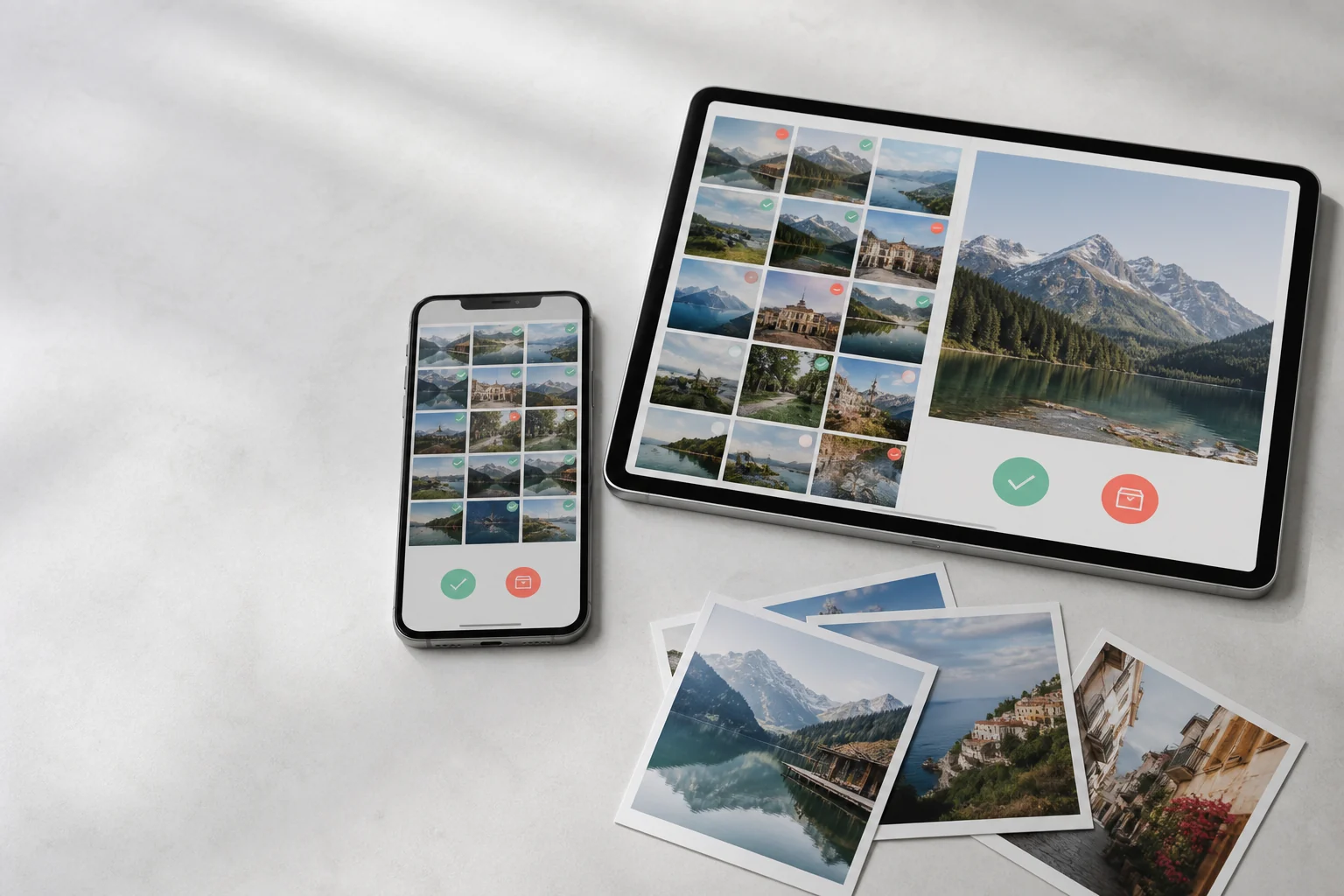
Photo decisions, made calmly
Move through your library one memory at a time. Keep the moments that matter, collect the rest for review, and stay in charge of every change.
See how it worksA focused review flow
Browse by month, a useful date range, media type, or album. Pic Photos remembers where you stopped, so even a large library becomes a series of small sessions.
AUG 12
Choose a decision to preview the flow.
Find the right starting point
Start with Today, Yesterday, Last 7 Days, or rediscover a date through On This Day.
Focus on photos, videos, screenshots, screen recordings, Live Photos, animated images, or favorites.
Look closely at related photos, then mark each one Keep, Archive, or Favorite.
Your review position, decisions, activity calendar, and goals stay ready for the next session.
Your Photos library stays yours
Archiving in Pic Photos gathers items into a review queue. Nothing leaves your Photos library until you choose Delete and confirm through Apple Photos. Deleted media then moves to Recently Deleted, following the system's normal behavior.
Mark each item Keep or Archive.
Restore anything you want before deletion.
Approve the change in the iOS system dialog.
Built for iPhone and iPad